
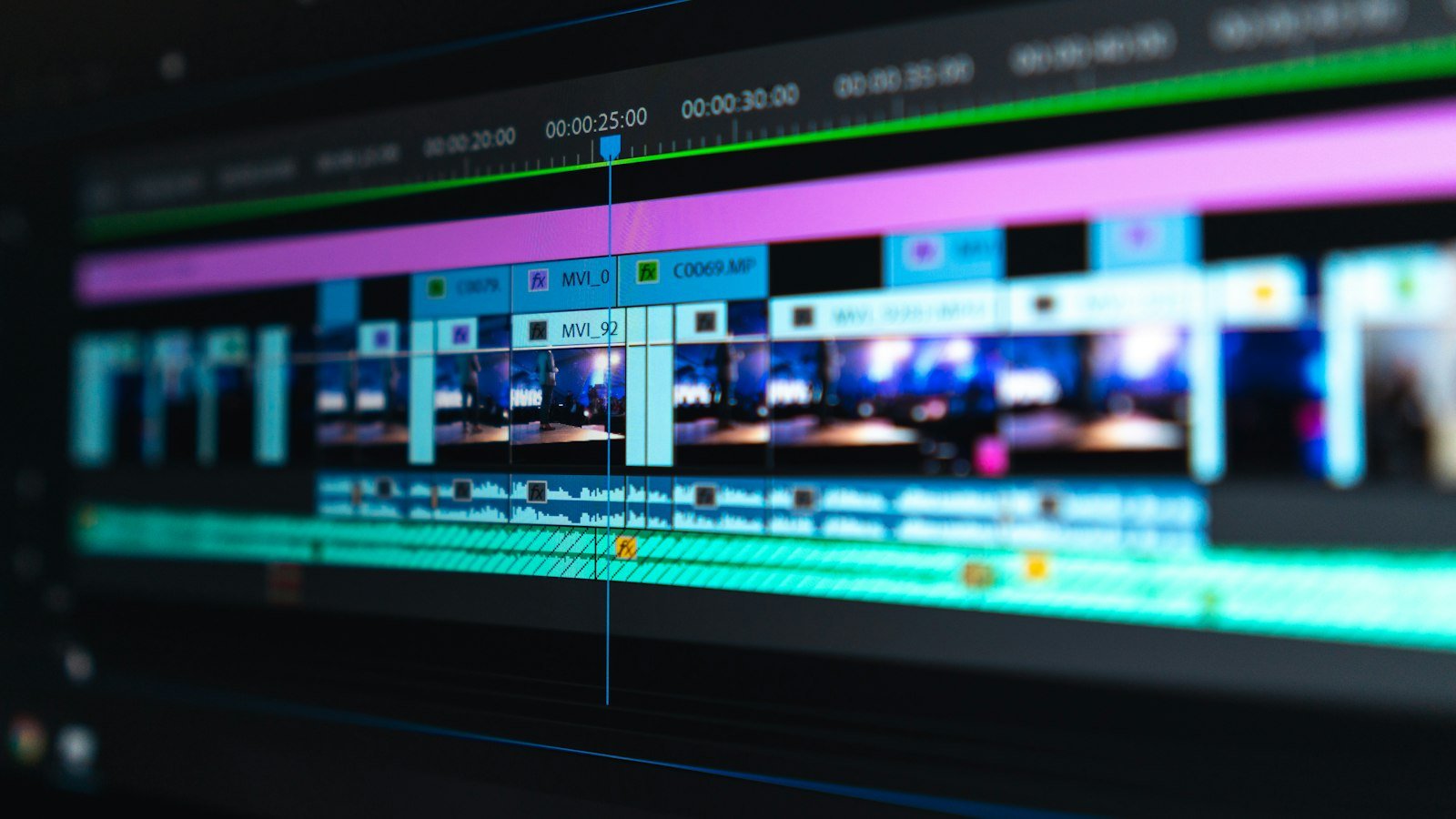
Medical video editing: animations, captions and B-roll
Medical video editing adds captions, animations and B-roll to a doctor’s footage, and every one of those layers is a claim under the doctor’s name. Review automatic captions word by word, approve animations at storyboard stage, build your own B-roll library and check every frame for privacy. A simple workflow with a claims list and a logged clinical sign-off keeps editing accurate at scale.
In most industries, an editor’s mistakes cost attention. In healthcare they can cost trust, and occasionally they put a wrong fact in a doctor’s mouth. A caption that mishears a drug name, an animation showing the wrong side of the body, a stock clip of a foreign operating theatre presented as your own: each one is a small error with a named doctor’s face on it. Medical video editing is ordinary editing with one extra rule: every visual element is a claim, and every claim needs checking.
This article covers the three layers editors add to a doctor’s footage, captions, animations and B-roll, and the review workflow that keeps them accurate. It is part of my guide to personal branding for doctors in India. For what happens before the edit, see remote versus on-site video production for doctors.
What makes medical video editing different
A lifestyle creator’s editor can pick any striking visual. A doctor’s editor cannot. Three constraints shape every decision.
- Accuracy: text, diagrams and footage must match what the doctor said and what is clinically correct. An editor is rarely qualified to judge that alone.
- Privacy: nothing that identifies a patient can appear without specific consent, including faces, voices, reports, screens and name boards in the background.
- Restraint: sensational visuals, graphic imagery and dramatic music undermine the calm authority that makes a doctor worth watching.
This means healthcare video editing needs a review step that other editing does not, and an editor who knows when to stop and ask. The best medical editors I have worked with keep a list of every on-screen claim in a video and send it to the reviewer with the cut.
Captions: the layer most likely to go wrong
Captions do three jobs. They make the video usable with the sound off, which is how many people scroll. They make it accessible to people who are deaf or hard of hearing. And they reinforce the key message as on-screen text. The W3C’s guidance on captions for prerecorded media is a good standard: captions should carry not only dialogue but also who is speaking and meaningful non-speech sounds.
Accuracy rules for medical captions
Automatic captions are a starting point, not a finished product. YouTube’s own automatic captions guidance warns that they can misrepresent speech because of pronunciation, accents, dialects or background noise, and says creators should always review them. In medical content, the errors cluster exactly where they matter most: drug names, procedure names, anatomy and numbers.
- Review every caption word by word against the audio, not by skimming.
- Keep a glossary of the doctor’s specialty terms with correct spellings, and share it with every editor.
- Check numbers twice. A misheard dose, duration or age is a clinical error.
- For Hinglish or regional language videos, agree whether captions follow the spoken mix or a cleaner version, and be consistent.
- Upload a caption file to platforms that support it, in addition to any burned-in captions, so captions remain editable and searchable.
Style rules that help viewers
Keep caption lines short, break them at natural pauses, and hold them long enough to read. Use one consistent font and position for every video, placed away from the platform’s own buttons. Emphasise sparingly: one highlighted key term per sentence at most. Animated word-by-word captions can suit short-form, but they should never make a medical term harder to read.
Animations: explaining what cameras cannot show
Animation is the doctor’s best tool for explaining things that are inside the body, too small to film, or too graphic to show. A simple animated diagram of a joint or a blood vessel can make an explanation click where a talking head alone would not. It is also a respectful alternative to real clinical footage for a general audience.
Where animations go wrong
- Wrong anatomy: stock assets that show the wrong side, the wrong structure or an oversimplification that becomes misleading.
- Implied outcomes: animations that show a perfect, instant result from a procedure, which reads as a promise.
- Visual noise: motion added for energy rather than clarity, which distracts from the doctor’s explanation.
- Unlabelled simplification: diagrams that are deliberately simplified but not described as such.
A safer animation workflow
- Script first. The doctor’s approved explanation defines what the animation must show, and nothing more.
- Storyboard review. The doctor or clinical reviewer approves rough sketches before anything is animated. Changing a sketch is cheap; changing a finished animation is not.
- Licensed or custom assets. Use medical illustration libraries with clear licences, or commission custom work. Keep the licence record with the project.
- Final review in context. The reviewer watches the animation with the doctor’s voice-over, since timing can change meaning.
AI-generated visuals need extra care. YouTube’s policy on disclosing altered or synthetic content requires disclosure when realistic content is made or altered with AI in ways viewers could mistake for real, while clearly unrealistic content such as animation generally does not need it. My rule is stricter than the platform’s: no AI-generated realistic patients, clinical scenes or facilities in doctor content at all. The review principles in where the review line sits for AI-generated doctor content apply to visuals just as much as to text.
B-roll: context without compromise
B-roll is the supporting footage the editor cuts to while the doctor keeps talking: the clinic entrance, the reception desk, the doctor reviewing a scan, a consultation room. It gives the viewer’s eye a rest, covers edits and makes a talking-head video feel like a place rather than a webcam.
Build your own library first
The best B-roll is your own. One planned shoot day can produce a library that serves months of videos: exterior and signage, waiting areas when empty, consultation rooms, equipment in non-clinical settings, the doctor writing, reading, walking, talking with colleagues. Tag it by location and topic so editors can find shots quickly.
Stock footage, used honestly
Stock footage fills gaps, but it carries two risks in healthcare. It often shows settings, equipment and uniforms that do not match Indian hospitals, which viewers notice. And it can imply that what is shown is your facility or your patients. Use stock for abstract or generic visuals, avoid stock that looks like a specific hospital, and never use stock of patients in a way that suggests they are yours.
Privacy in every frame
The most common B-roll mistake is accidental: a patient’s face in a corridor, a name on a whiteboard, a monitor showing a report. Every B-roll shot should be checked frame by frame before it enters the library, and any shot with an identifiable person needs documented consent. If in doubt, blur it or drop it.
The medical video editing review workflow
A reliable review workflow is what turns careful editing into a system. This is the sequence I use.
- Rough cut: the editor assembles the doctor’s answer with pauses and false starts removed, no graphics yet.
- Content review: the doctor confirms the cut still says what they meant. Cutting can change meaning.
- Graphics and B-roll: the editor adds animations, B-roll, lower thirds and on-screen text, and lists every on-screen claim.
- Captions: added and checked against the glossary.
- Clinical review of the final cut: the reviewer watches the finished video with the claims list and approves or returns it.
- Log and publish: approval recorded with date and version, then published.
The same accuracy discipline at scale is the subject of my piece on keeping medical accuracy when content scales.
Who checks what
| Element | Purpose | Common error | Who checks |
|---|---|---|---|
| Captions | Sound-off viewing, accessibility | Misheard medical terms and numbers | Editor, then clinical reviewer |
| On-screen text | Reinforce key point | Oversimplified or absolute claims | Clinical reviewer |
| Animations | Show the unseen | Wrong anatomy, implied outcomes | Doctor at storyboard and final cut |
| B-roll | Context and pacing | Identifiable patients, misleading stock | Editor and privacy check |
| Lower thirds | Identify the doctor | Wrong qualification or title | Doctor and marketing |
| Music | Mood | Unlicensed track, overpowering speech | Editor |
Clinical footage and patient stories in the edit
Some projects include real clinical footage or a patient’s own story. These are the edits where medical video editing carries the most risk, and where the editor should expect more review rather than less.
- Consent travels with the footage. The editor should see the consent record, or confirmation that it exists, before a single frame of a patient is used, and should know exactly what uses it covers.
- Graphic content stays out of general feeds. Intraoperative or wound footage may suit a professional audience, but for patient-facing content an animation usually explains the same point without distressing viewers. Check each platform’s policies on graphic medical content before publishing anything of this kind.
- Stories are edited, not rewritten. Tightening a patient’s account is fine; changing its meaning, implying a typical outcome or adding claims the patient did not make is not.
- Withdrawal must be possible. Keep project files organised so that if a patient withdraws consent, every version and cut-down of their story can be found and removed.
The consent side is covered in my piece on what DPDP consent changes for hospital marketing. This is not legal advice; consent forms for video should be reviewed by your legal team.
One edit, several languages and platforms
Indian doctors often speak to audiences who prefer different languages, and publish across Instagram, YouTube and WhatsApp. Plan the edit so versions are cheap to produce and easy to review.
Keep the master project clean: doctor’s audio on its own track, captions as a separate layer, on-screen text in editable templates rather than flattened into the footage. A Hindi or Tamil version then means replacing caption and text layers, not rebuilding the video. Each language version still needs its own caption check by someone fluent in the language and familiar with the medical terms, because translation errors are as serious as transcription errors.
A brand kit that speeds up every edit
Editing gets faster and more consistent when the recurring elements are designed once. A simple kit for each doctor, or for a department, removes a surprising number of review comments.
- A lower-third template with the doctor’s name, specialty and qualifications, verified once and reused.
- A caption style: font, size, colour, position and emphasis rules.
- Opening and closing cards, kept short or removed entirely for short-form.
- A standard general-information line for the description or end card.
- A colour palette and a small set of approved icons and diagram styles.
- A music policy: licensed library only, low under speech, or none.
Store the kit where every editor, internal or agency, can reach it. When a doctor’s title or qualification changes, update the template once rather than hunting through old projects.
Editing for attention without distorting the message
Editing decides whether people keep watching. Tight cuts, a strong first frame, timely B-roll and visual change at the right moments all help. But in healthcare, pacing must never cut away the caveat that makes an answer accurate, or add drama that the content does not justify.
My piece on retention editing for doctor videos covers the attention side in detail. For the structure that editing serves in longer videos, see procedure explainer videos that build trust. And for shoot planning that gives editors the footage they need, the doctor video shoot checklist includes a B-roll shot list.
A final pre-publish checklist for editors
- Captions reviewed word by word against the audio and glossary.
- Every on-screen claim listed and approved by the clinical reviewer.
- Animations approved at storyboard and in the final cut.
- No identifiable patients, screens, files or boards in any shot without consent.
- Stock footage does not imply your facility or your patients.
- No realistic AI-generated clinical scenes or people.
- Lower thirds show the correct name, specialty and qualifications.
- Music licensed and kept well below speech.
- Approval logged with date and version.
Questions people ask
Medical video editing is the editing of doctor and healthcare videos, including captions, animations, B-roll and on-screen text. It differs from regular editing because every visual element is effectively a health claim made under a doctor’s name. That adds accuracy checks, privacy checks on every frame, and a clinical review of the final cut before anything is published.
Review the rough cut to confirm the edit still says what you meant, since removing a sentence can change meaning. Approve animation storyboards before they are built. Then check the final cut with the editor’s list of on-screen claims. You should not need to review colour or music, but you should always check anything that states a fact.
They are a useful starting point but not a finished product. YouTube’s own guidance says automatic captions can misrepresent speech and should always be reviewed. Medical terms, drug names, anatomy and numbers are exactly where errors cluster. Review every line against the audio, and keep a specialty glossary for editors.
Put money first into consistent captioning and a reusable B-roll library, which improve every video. Custom animation is worth it for a few evergreen explainers that will be used for years. Avoid spending on elaborate effects for short-lived content. A brand kit that cuts review time is one of the cheapest efficiency gains available.
Yes, for generic or abstract visuals, with a proper licence. Avoid stock that looks like a specific hospital, shows settings that clearly do not match your own, or shows patients in a way that implies they are yours. Viewers notice mismatched settings, and misleading implications damage trust in the doctor.
YouTube requires disclosure when realistic content is created or altered with AI in ways viewers could mistake for real, and generally not for clearly unrealistic content such as animation. Check each platform’s current policy. My stronger rule is to avoid realistic AI-generated patients, clinical scenes or facilities in doctor content altogether.
Ask the editor to send a list of every on-screen claim with timestamps along with the final cut. Review the list while watching, rather than scanning the video cold. Approve or return with specific timestamps. Record your approval with the version and date so the team can trace it if something needs correcting later.
Use animation for things cameras cannot show well: processes inside the body, very small structures, or clinical steps that would be too graphic for a general audience. It also works when you cannot get consent for real footage. Keep animation simple, clinically reviewed at storyboard stage, and free of implied perfect outcomes.
Shoot B-roll in controlled, planned sessions rather than grabbing footage during clinic hours. Check every shot frame by frame for faces, name boards, screens and files before it enters the library. Blur or drop anything doubtful. Anyone identifiable needs documented consent for that use, checked by your compliance or legal team.
Ask for a specialty glossary, the doctor’s verified name, title and qualifications, a brand kit, access to the B-roll library, and a named clinical reviewer with agreed turnaround times. Clarify who owns consent records and music licences. Without a named reviewer, projects stall or, worse, go out unchecked.
Shared, access-controlled storage for raw footage, projects, B-roll and licences, with a clear folder structure. Enough capacity for video files. A secure way to share review copies without sending files over chat apps. Access removal for editors and agencies when engagements end. Backups of the B-roll library, which is expensive to recreate.
Often both. Burned-in captions guarantee viewers see them on short-form platforms where many watch with the sound off. Uploaded caption files keep captions editable, can be switched on or off, and help accessibility on platforms that support them. Whichever you use, the same accuracy review applies.
Compare similar videos before and after a change, such as adding B-roll or tightening openings, using the platform’s retention or skip data. Track review turnaround and the number of corrections requested, which should fall as the brand kit and glossary mature. Watch for patient feedback that mentions clarity.
Yes, if you standardise the kit and the workflow. A shared caption style, lower-third template, B-roll library and claims-list review process let several editors work across many doctors consistently. Each doctor still approves their own content. Centralise the glossary and the review log so errors found once are fixed everywhere.
Read my takes first in Google Search
